
MeasureOne (Dec Page Retrieval)
MeasureOne is an API integration tool that allows prospects to simply log in to their current insurance carrier to share their declaration pages with you.
Agents can enable Measure One in their forms or send manual declaration page requests to prospects. Once a request is initiated, 2 data credits will be deducted from your current balance.
Tap the button below for a list of coverage currently supported by MeasureOne through the SALT platform.
Activating MeasureOne
General Activation for your Agency:
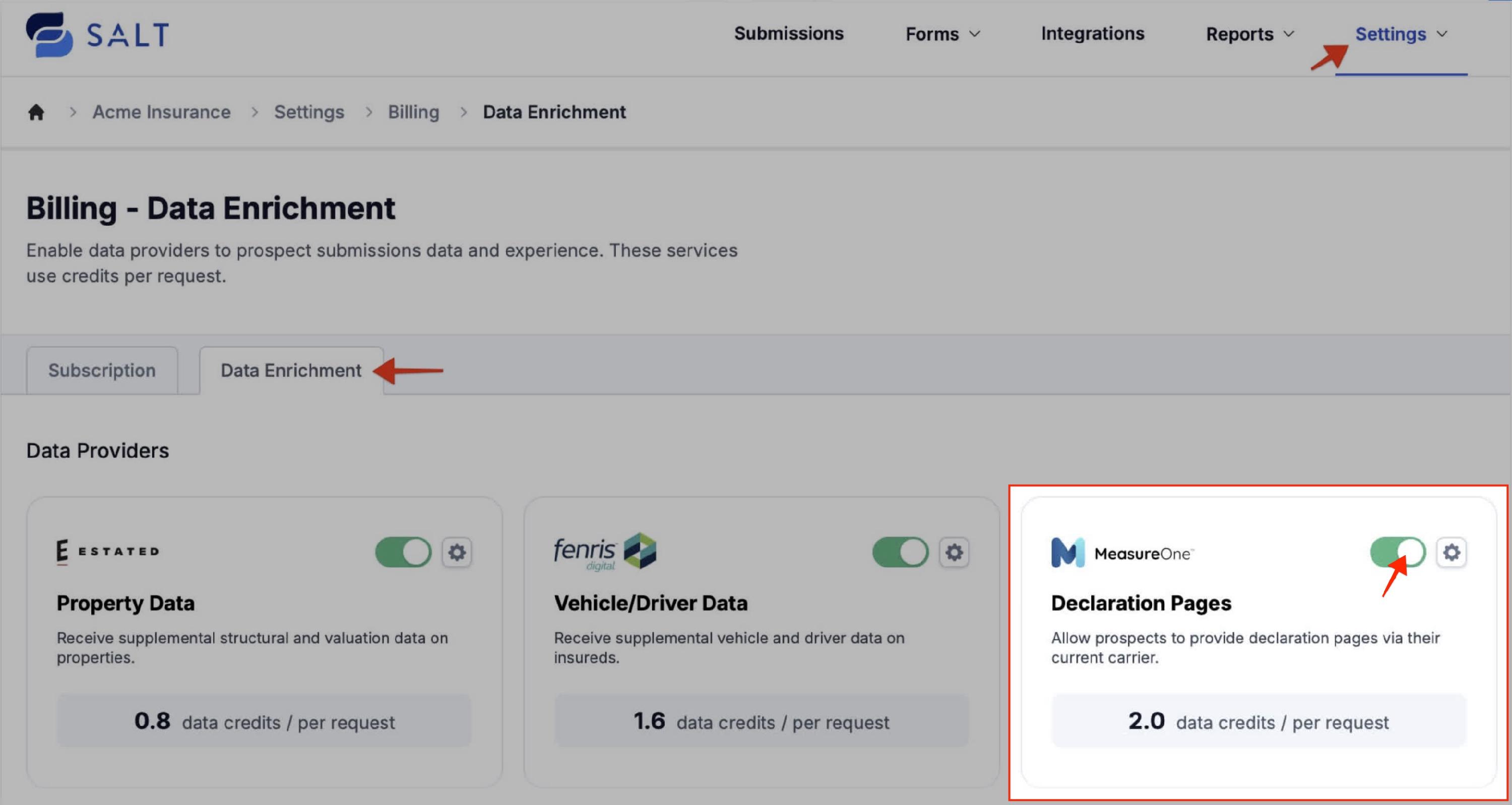
- Navigate to Settings > Billing > Data Enrichment
- Select the toggle or settings gear to activate MeasureOne.
-
Sign in using one of the methods provided to enable the integration.
Activate MeasureOne (Dec Page Step) on a Form:
- Open a Form within your Forms section.
- Switch over to the Integrations tab and toggle "MeasureOne" to ON(green).
- Switch to the Steps tab.
- Scroll down to the Declaration Pages step and toggle to the ON(green) position.

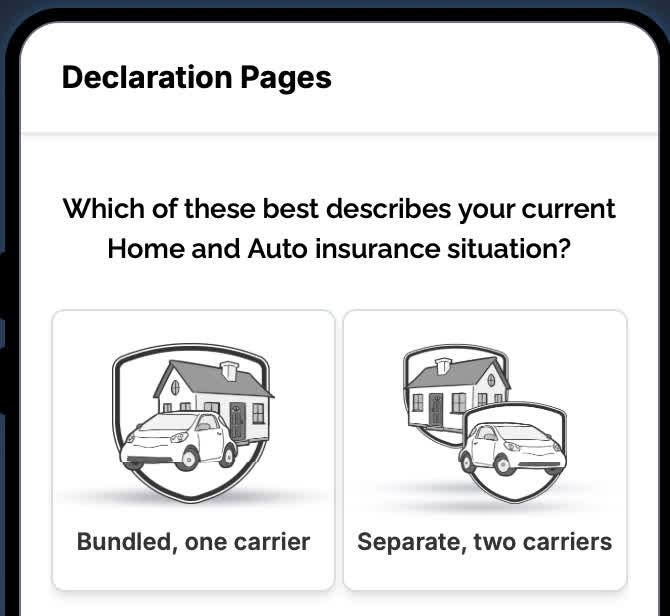
Your consumers will now see MeasureOne’s automated Declaration Page collection step within their Form flow. This step allows them to either sign in to their carrier or manually upload their documents as part of their submission.
Consumer Use of MeasureOne
Prospects can submit Declaration Pages by either signing into their carrier or manually uploading their documents.

Agent/Producer Use of MeasureOne
Creating a "Declaration Page Only" Form:
- Navigate to your Forms section.
- Select Create a New Form.
- Enter a name for the Form.
-
Select "Declaration Page Only" from the Form builder dropdown menu, click Next, and then Let's go!

Creating a "Declaration Page" request Link:
- Navigate to your Submissions section.
- Select a submission.
- Switch over to the Documents tab.
-
Select Declaration Page Request.

Dec Page Notifications
SALT provides email notifications when declaration pages are received, but only under specific conditions, as defined below and in this article.
When Notifications Are Sent:
A SALT employee will be notified of declaration pages when they are the assigned requestor of the measure one request. This can happen in two ways:
- Existing: An agent manually creates a document request link and sends it to the prospect. This applies to Agency-generated submissions or document requests made after a consumer submits a form.
- New: If a MeasureOne request is automatically created from a submission that was assigned to someone, that same person will also be assigned to the MeasureOne request. This ensures they receive notifications and can track the request.

When Notifications Are Not Sent:
If a prospect uploads declaration pages using the Upload documents button during a form submission, no email notification is sent. This design decision was made for specific workflow reasons and may evolve as we continue to refine the process.
ℹ️ Support is here to help with any questions that come up. You can reach us using any of the methods included in this support article: [Contacting SALT Support]